Draper James Holiday 2019 Phone Background Downloads
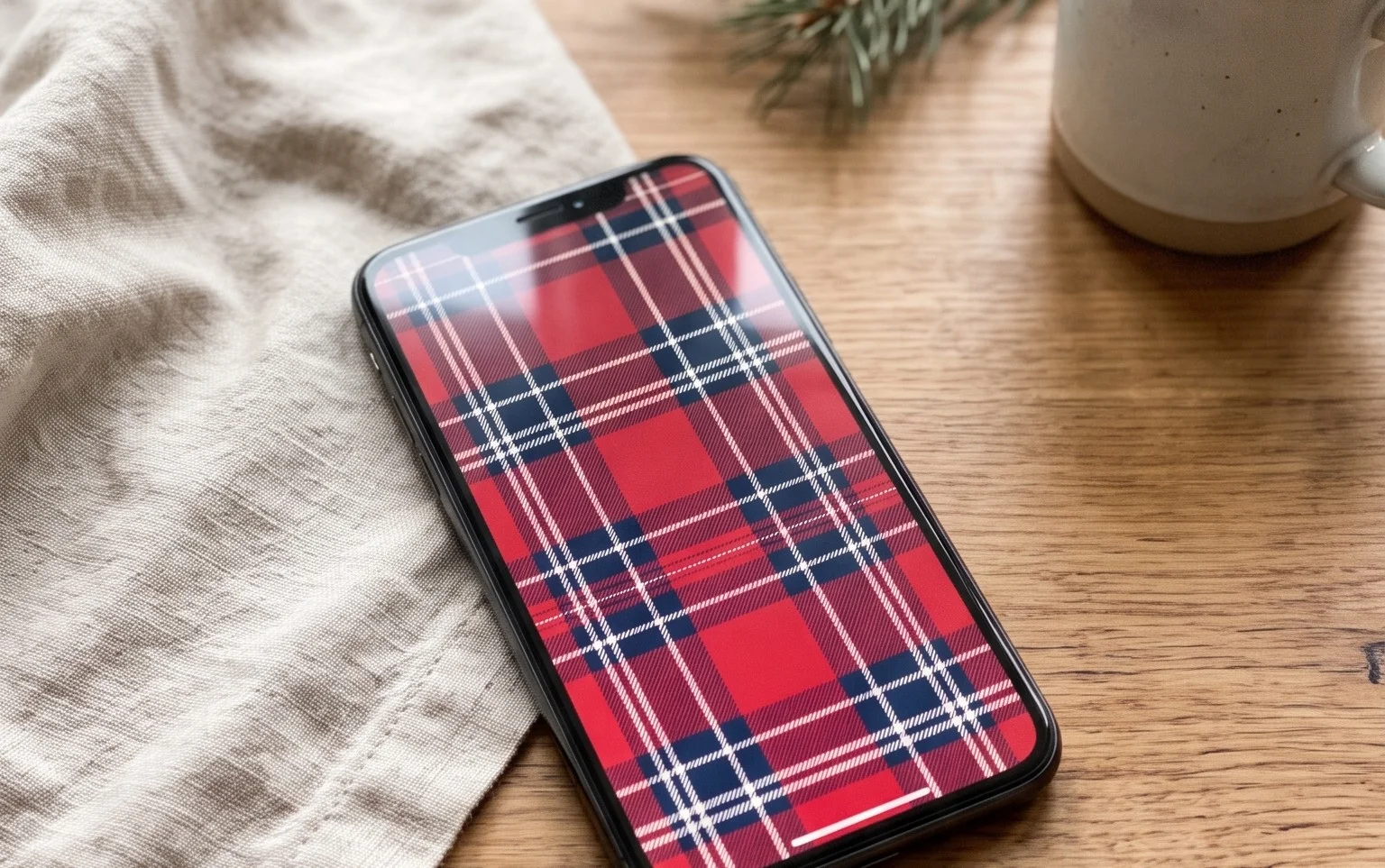
A holiday phone background adds a seasonal touch to the screen you check throughout the day. This Draper James collection is a set of digital downloads, so there’s no yarn, hook, or stitching involved; the finished result is an image you can save and use on a compatible phone. It suits anyone who enjoys changing their wallpaper for the holidays, and it takes only a few minutes to choose a design and set it as the lock screen or home screen. This guide explains what the download is, how to save the image, and how to crop it so the artwork fits your display. If you came here for a crochet pattern, this digital project is a different kind of creative break.
Please provide the focus keyword and source content. They appear as placeholders ({focus_keyword}, {body_snippet}, and {source_text}), so I can’t identify the crochet project or write accurate pattern instructions yet.
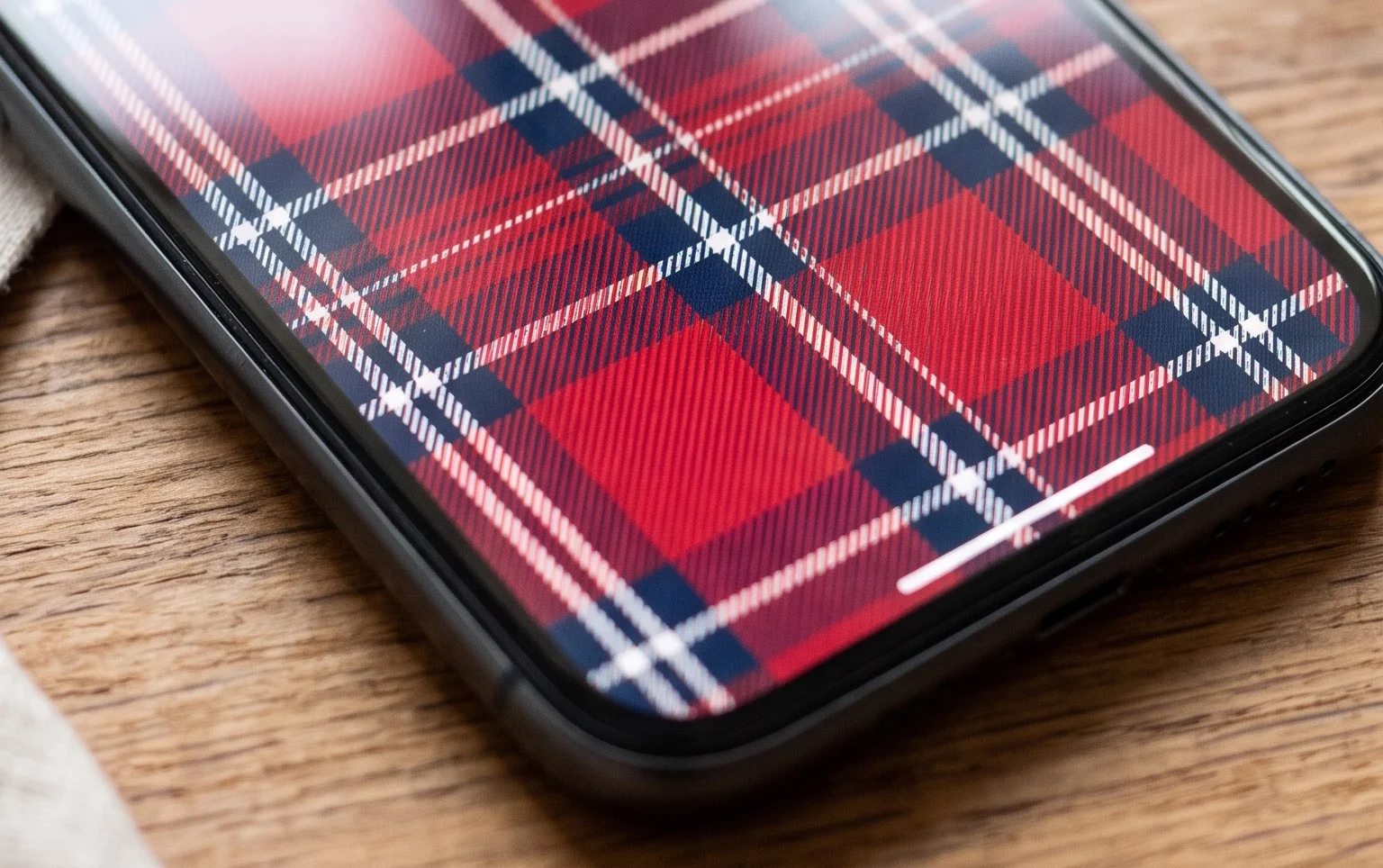
Once you’ve saved a holiday background and fitted it to your phone screen, you have a quick seasonal update you can enjoy every time you check a message or the time. Try a different design or crop the image slightly to suit your lock screen, while keeping the main artwork clear of the clock and notification area. If you share a screenshot on Pinterest or social media, check that personal notifications and details are hidden first. For a hands-on project after changing your wallpaper, explore more free crochet patterns on the blog and choose a design that suits your time and yarn stash.